// companion app
Your Mac's plugins.
On your phone's tracks.
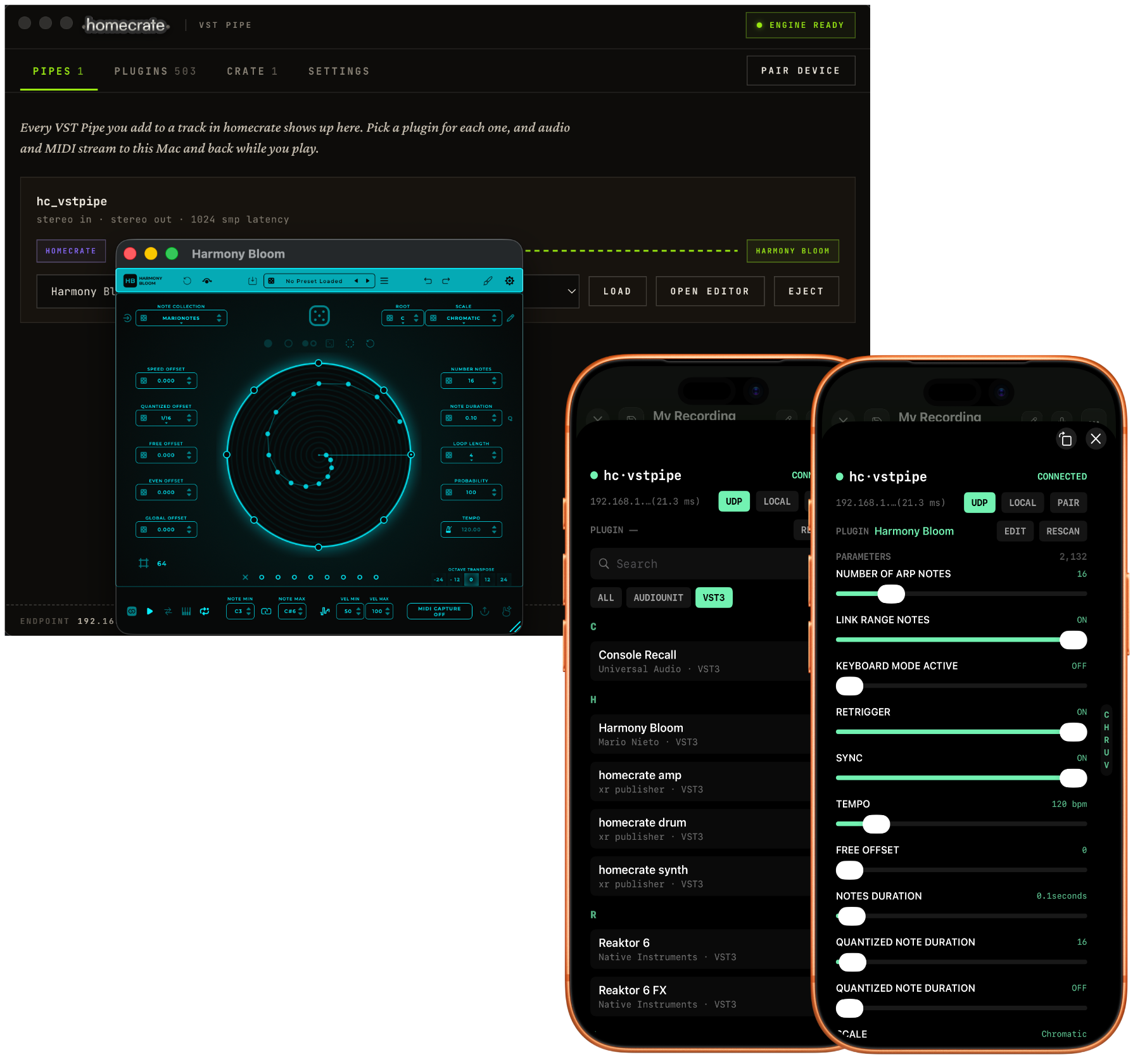
The homecrate Companion App is a free Mac app that works alongside homecrate. Pair it once and your desktop VST3 and Audio Unit plugins become effects and instruments on homecrate tracks — audio, MIDI, and transport stream between the devices, and plugin parameters automate right inside the clip editor.
// what it does
One app, four jobs
Host your real plugins
Add the vstpipe plugin to a homecrate track and pick any VST3 or Audio Unit installed on your Mac. The Companion App runs it and streams the processed sound back at low latency — with the plugin's parameters exposed as automatable targets in homecrate, like any native plugin.
Download homecrate's plugins
Sign in with your homecrate account to download the homecrate synth, amp, drum machine, and grain effect as desktop VST3s, installed straight into your plugin folder for any DAW. Updates arrive through the app — no reinstall, no new download link to chase.
Run outboard gear on a track
homecrate passthrough — free with any account — captures audio from your interface, so a hardware synth, pedalboard, or preamp on your desk can play back through a homecrate track like a plugin.
Share a sample crate
Keep a shared sample folder on your Mac. Send a sample to a paired device and homecrate previews the waveform and asks before adding it to the track.
// how it works
Paired in a minute
- 01
Install the Companion App
Download the DMG below, drag the app to Applications, and open it. It's notarized by Apple — no warnings, no workarounds.
- 02
Pair with homecrate
The app shows a QR code. Scan it from homecrate on your iPhone or iPad — both devices on the same network — and they find each other from then on.
- 03
Load a plugin on a pipe
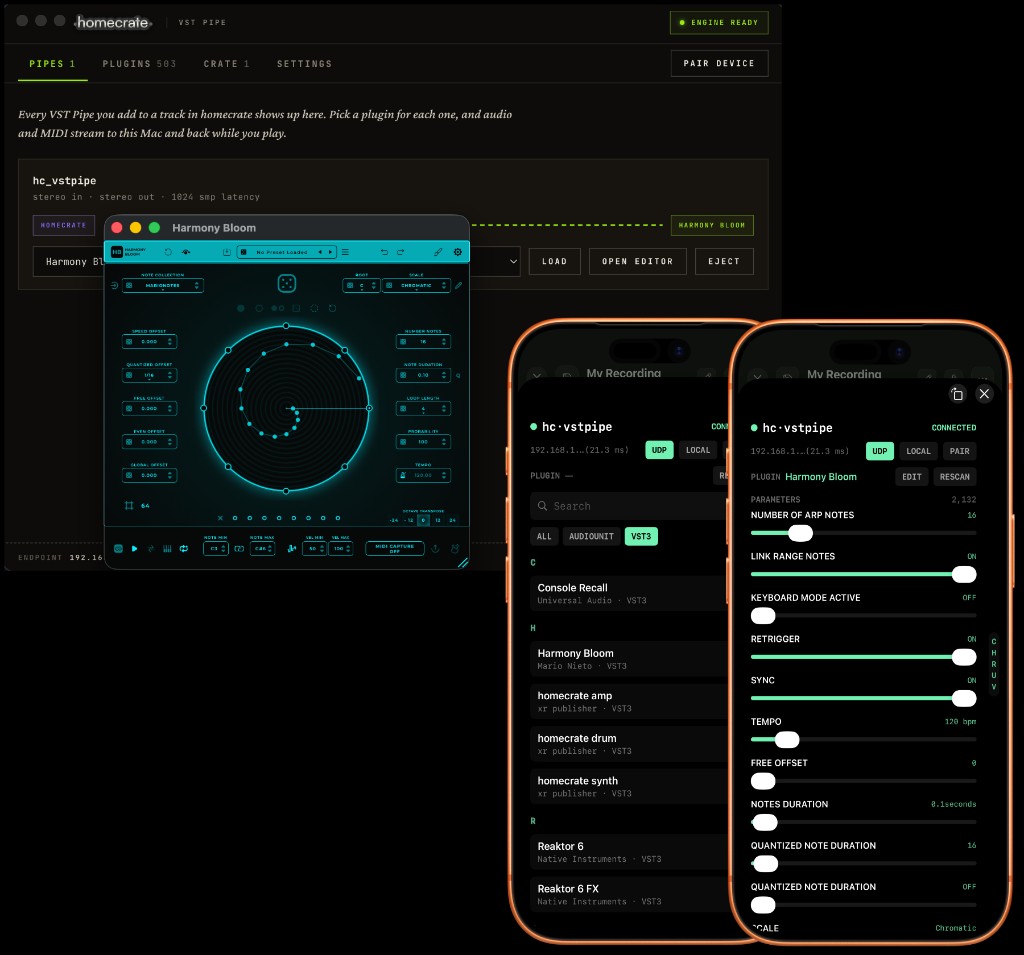
Add vstpipe to a homecrate track, and a pipe appears in the Companion App. Choose a plugin, open its editor on the Mac, and play from your phone.
// the fine print
Good to know
- The Companion App is free. Hosting your own VST3/AU plugins on a track uses vstpipe, which is part of homecrate Pro — a one-time unlock, no subscription.
- The plugin pack is a one-time purchase. Synth, amp, drum machine, and grain effect, bought once from your homecrate account, with updates included. Passthrough is free with any account.
- Everything stays on your network. Audio streams directly between your Mac and your device — no cloud round trip.
- Requirements: macOS 12.0 or later on Apple Silicon, and homecrate on iPhone or iPad on the same network.